Home › Hardware › BIOS and system-menu screenshots
BIOS and system-menu screenshots
Screens captured from Guilty Gear Isuka running in MAME, showing the system, diagnostic and settings menus.
These are emulator captures made on 14 October 2026, using MAME 0.285, Guilty Gear Isuka (ggisuka) and the Sammy BIOS (bios0) selection. They are not period photographs. Menu contents can depend on the game and BIOS; this gallery documents that one configuration.
The images are unchanged screen captures at 711 × 480 pixels. Select an image to open it at full size. TEST moves the selection and SERVICE enters it, as shown on the menus. No ROM patches were used to obtain these screens.
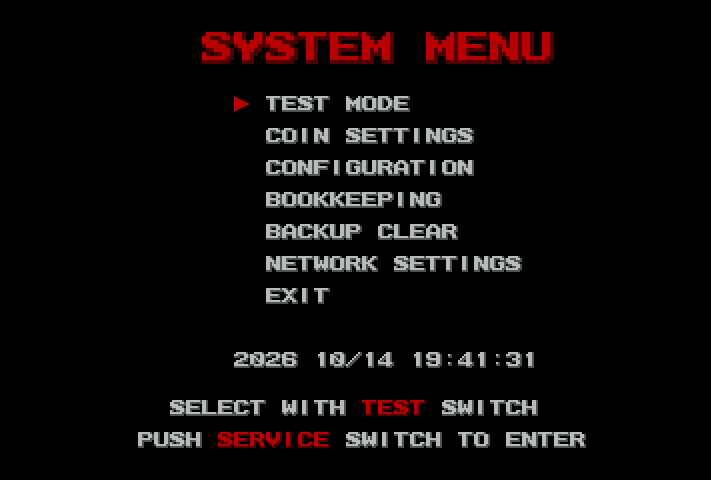
System menu
The top-level system menu, captured with Guilty Gear Isuka and MAME’s Sammy BIOS selection. The date is the emulated clock at capture time.
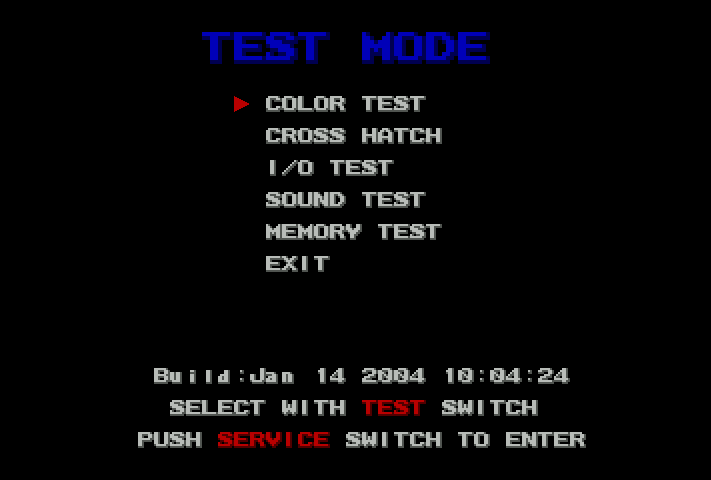
Test mode
The diagnostic menu displays “Build: Jan 14 2004 19:04:24”. This is the text visible in this configuration, not a date assigned to every Atomiswave BIOS.
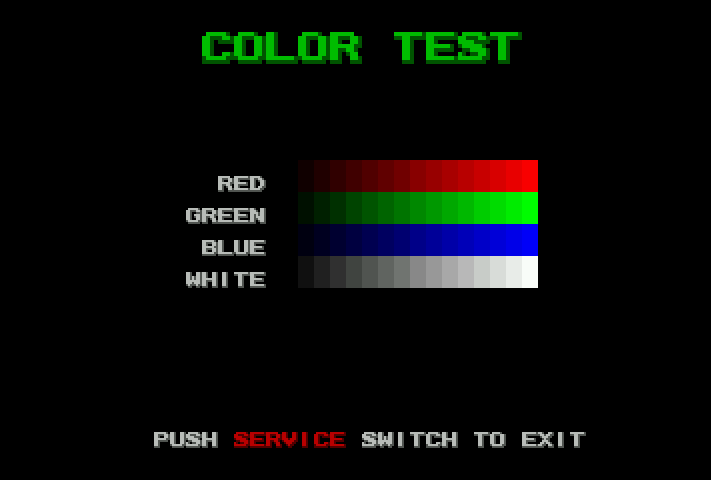
Colour test
Red, green, blue and white intensity ramps.
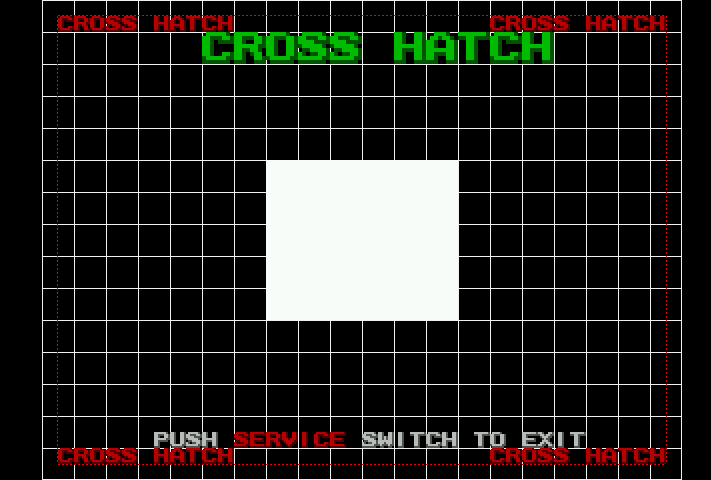
Cross-hatch
The grid and centre pattern used for display adjustment.
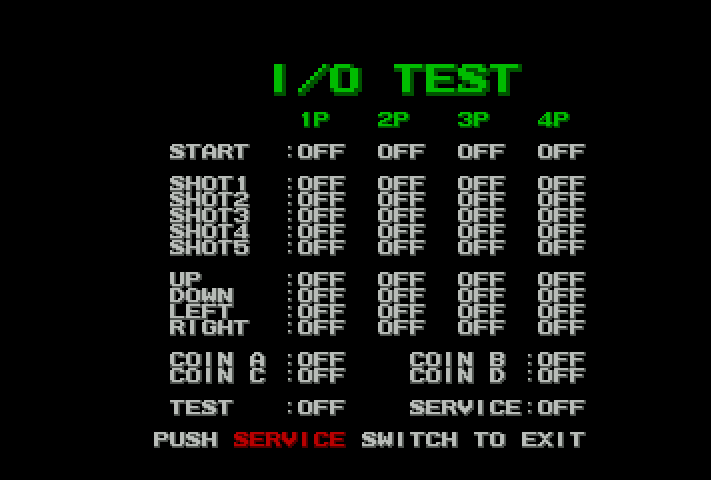
I/O test
Four player columns and SHOT1–SHOT6 appear in this emulated configuration. The menu labels do not establish the physical JAMMA pinout; the system manual lists five buttons per player.
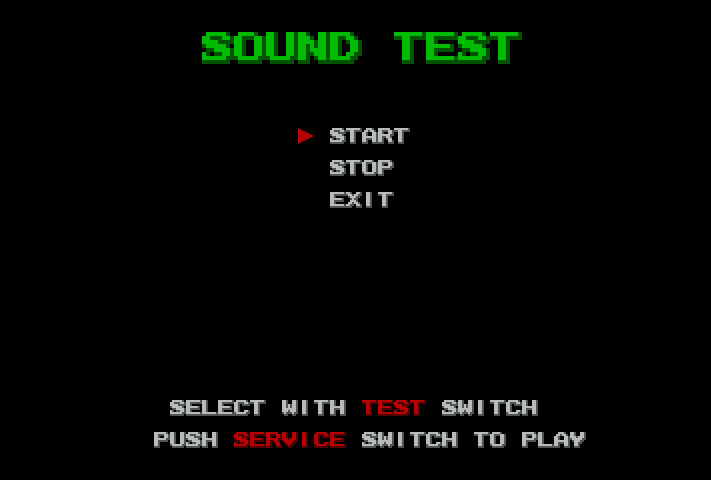
Sound test
The sound-test controls. This image documents the menu; audio output was disabled during capture.
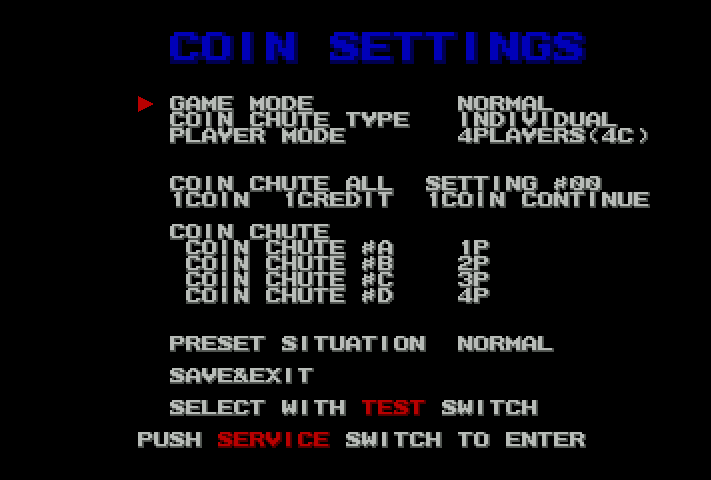
Coin settings
This Isuka configuration shows individual coin chutes and four-player mode. These values are not universal defaults for other games.
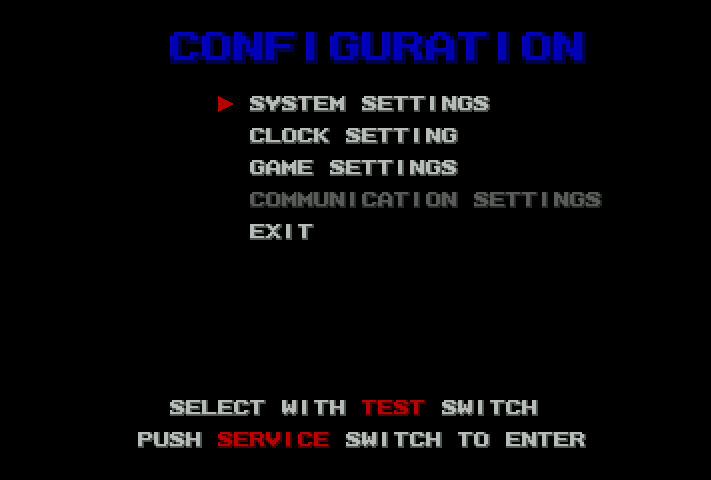
Configuration
System, clock and game settings are listed. Communication Settings is greyed out in this capture.
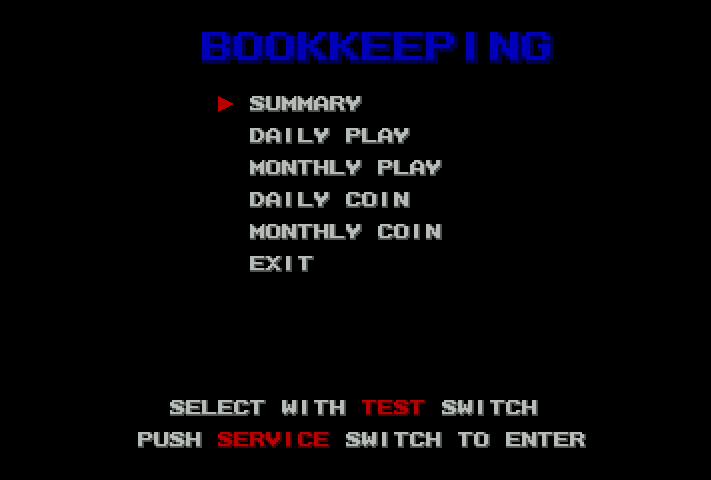
Bookkeeping
The bookkeeping submenu offers summary, daily and monthly views.
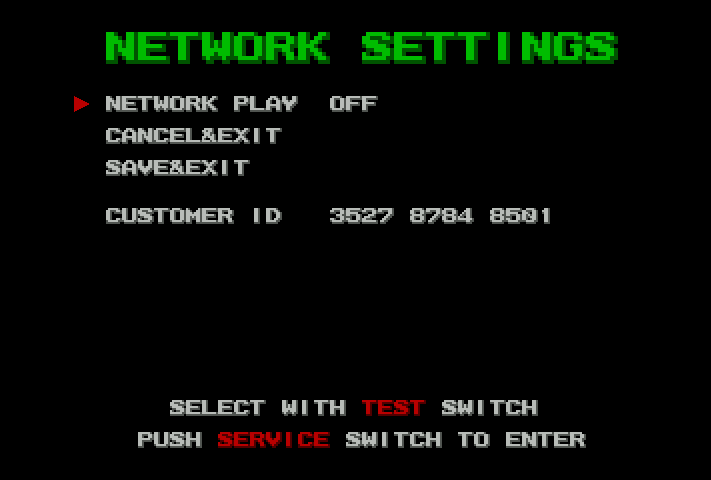
Network settings
NETWORK PLAY is OFF. The customer ID is the value displayed from the local Isuka ROM set. This capture does not demonstrate a working AW-NET connection.